Log in to RAI
Go to the RAI login page(s) for the environment(s) for which Denic Business Services has set up one or more logins for you.
Open the RAI login page
-
Live environment: https://rai.denic.de/faces/en/index.jsp?lang=EN
-
Test environment: https://rai.test.denic.de/faces/en/index.jsp?lang=EN
RAI Login Links in the Members' Area
The RAI login pages are linked in the members area on https://www.denic.de. The member login cannot be used for RAI login page, only the RAI logins set up by DBS for you can be used. After logging in as a member at https://www.denic.de, the start page of the member area is loaded. The links to the live and test environments for RAI are on the “Registrar Administration Interface RAI” tile.
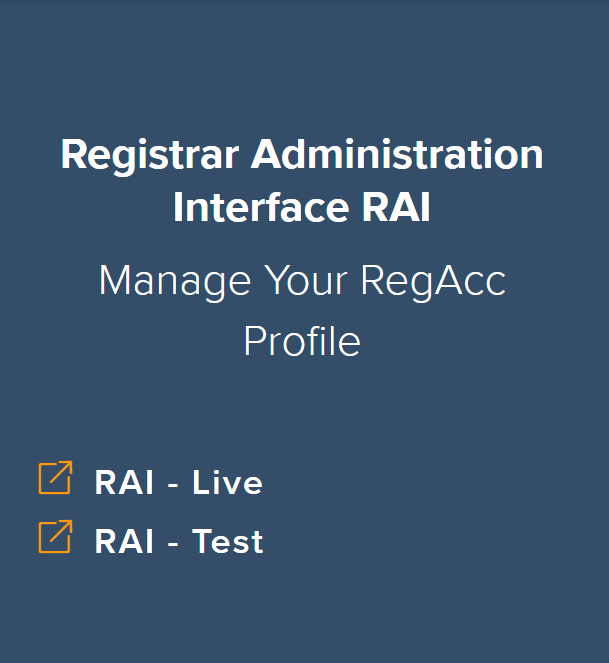
Figure 1: Tile in the members area with links to the RAI environments
Select a Service
When you access the links, you will next be directed to the page “Select a Service”. Click on “RegAcc profilemMaintenance” to get to the RAI login page.
First Login
| Notice |
When you log in for the first time, you must enter the one-time password you have been sent by DBS for your RAI account in the field "One-Time Password". |
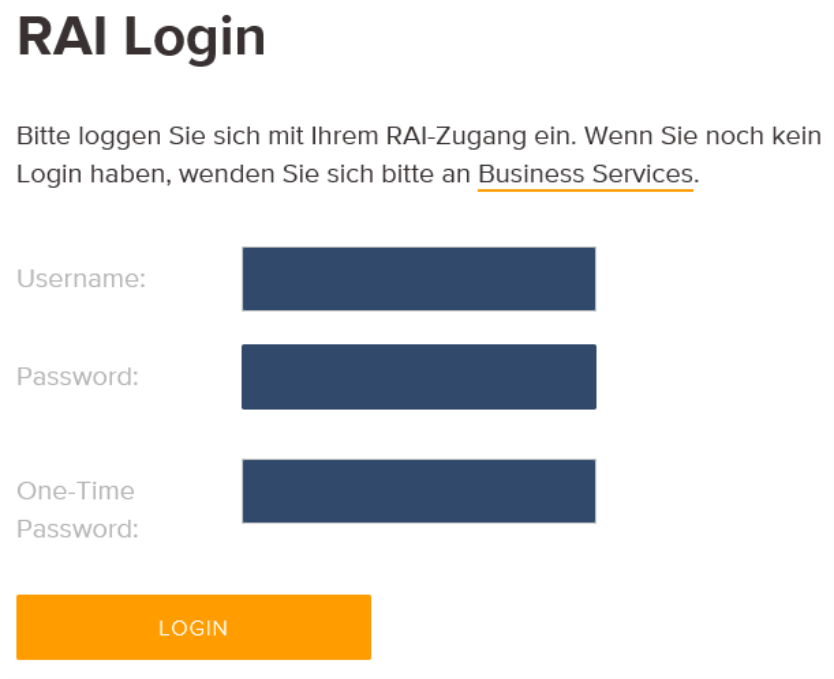
Figure 2: Login page for RAI
After the first Login
After you have logged in for the first time with your user name, password and the DBS one-time password, you must install the two-factor authentication.